Features
Keyboard & palette
Every action has a command, and every command can have a key.
One keymap feeds the command palette, the shortcuts panel and the in-app guide, so they never disagree. Every default chord can be changed.
- 89
- commands in the palette, ranked by what you use
- 5
- layout presets, plus your own on Ctrl+Shift+5–9
- 1
- source of truth for every key
1/3 · One palette for everything
Ctrl+Shift+P opens the command palette. A few letters narrow the list, the arrows walk it and Enter runs the command: here, a new terminal to the right.
Recorded in Station, in a sample project · waits sped up
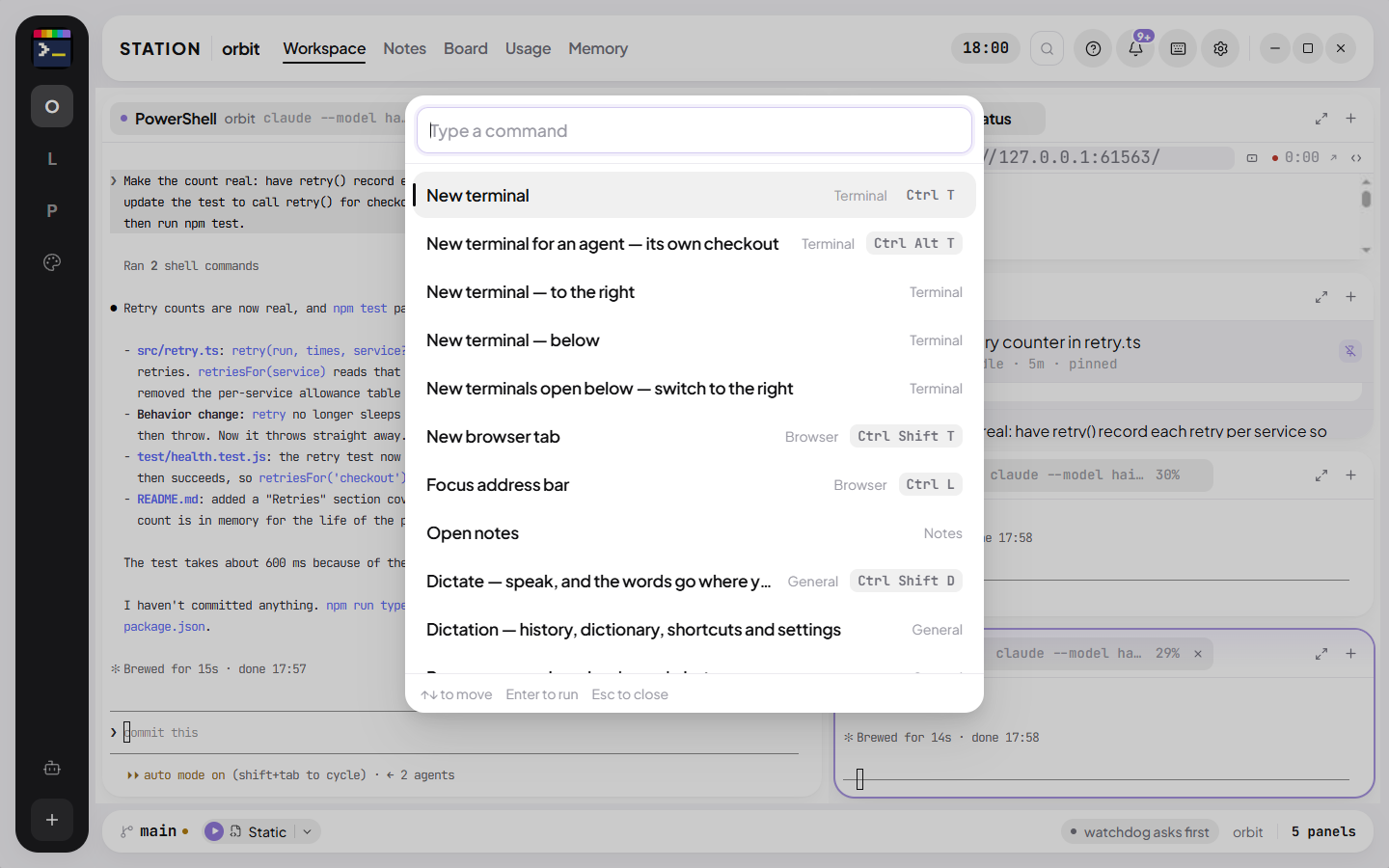
Palette and jump
Ctrl+Shift+P runs any command; Ctrl+P jumps to a panel or workspace; Ctrl+/ lists every shortcut. The guide (F1) shows chords from your live keymap, so it stays right when you change one.
Layouts
Panels dock, split and float. Built-in presets (Code, Research, Debug, Write, and a 2×2 grid of four agent terminals) sit on Ctrl+Shift+1–4; save your own on Ctrl+Shift+5–9.
Two days, every feature, no card.